Application & verification
Initial applications: MK, AL, RS, BA. Choose Business Commerce or Individual MoR before starting.
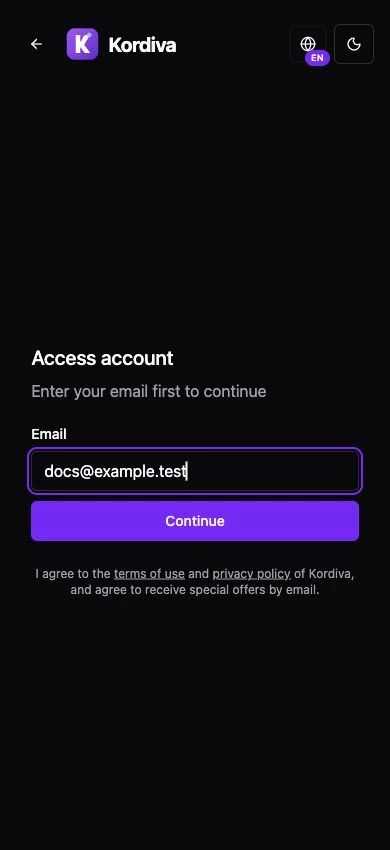
Application and review
Section titled “Application and review”- From the public Kordiva website, click Apply for access and enter your email, then Continue.
- Select legal country and registration type. Provide the requested contact/activity information and submit only accurate details.
- Wait for the Kordiva application decision. Pending means review is unfinished; Approved is application approval, not LIVE payment activation.
- For Business, complete Onboarding → Organization using the country-specific identifiers. For Individual, complete the natural-person profile and select the Individual plan.
Payment onboarding
Section titled “Payment onboarding”- Open the store’s payment onboarding screen. Individual uses Individual payment onboarding; Business follows its own payment setup.
- Choose Continue payment onboarding when available. Personal identity and bank information belong in the secure hosted flow, not a support attachment.
- Return to Kordiva and check the verified status. Not connected means no payment connection; Action required or a pending verification message means requirements remain; Successfully connected is the payment-onboarding result in that environment.
- If returning from the hosted flow does not update status, use the available recovery/check action once and ask support if it remains unresolved. Do not repeatedly create accounts.
- Verify separate LIVE activation, account capabilities, bank currency/controls and buyer-market coverage. A completed TEST identity does not activate LIVE.
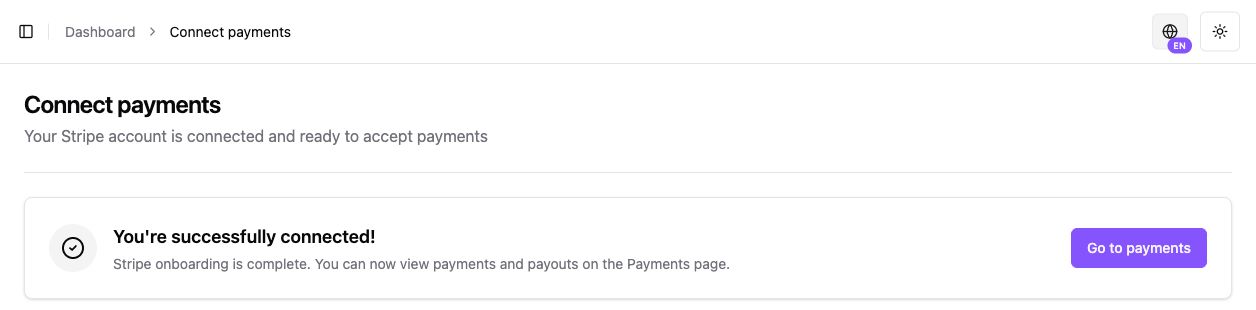
Country and model boundaries
Section titled “Country and model boundaries”Business companies/sole traders remain legal sellers. Individual uses recipient-only Express transfers under Kordiva LLC as MoR; it does not require Business registration identifiers or UJP. AL, RS and BA use English CMS/application guidance and never require Macedonian identifiers.
MK Business payout instructions apply only to that supported Business flow; do not extrapolate MKD settlement to other countries or Individual. Model-specific seller agreements and acceptance require separate evidence.
Common blockers
Section titled “Common blockers”Incomplete application, inactive seller, missing plan, pending provider requirements or unconfirmed country/account configuration can disable onboarding. Resolve the underlying review; do not change country, model or environment as a workaround.
Related guides
Section titled “Related guides”Four-country requirements · Individual setup · TEST vs LIVE · Market status