API integration
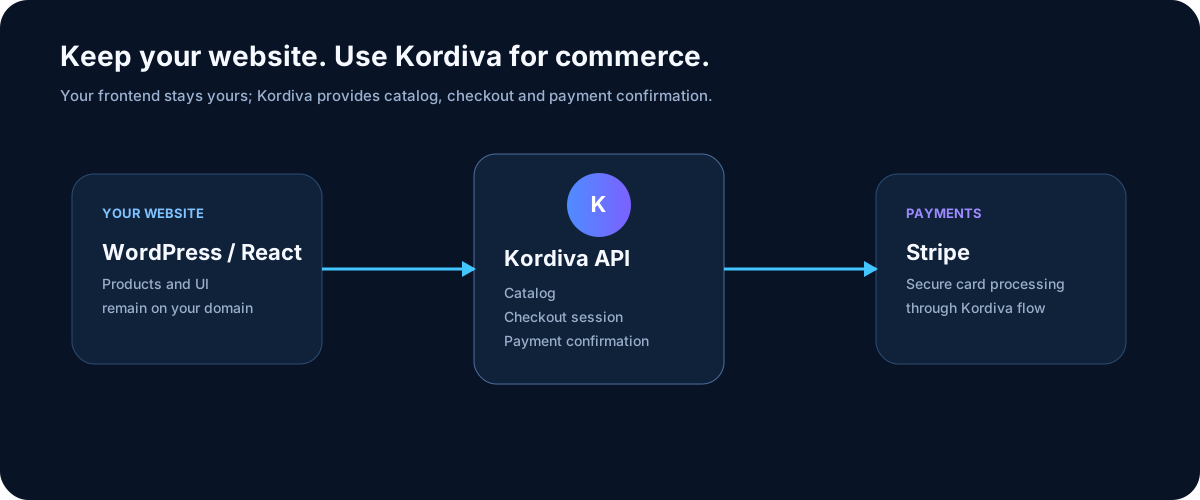
The API is for businesses that already have a WordPress, React, Next.js, or other website and want to keep their frontend. Kordiva acts as the commerce layer behind it.
Optional SDK — same API, simpler code
Section titled “Optional SDK — same API, simpler code”Want TypeScript types instead of manually writing HTTP requests? The optional public Kordiva SDK v0.1.3 wraps the existing supported API. You can keep the direct HTTP API, CMS storefront and Checkout Links unchanged.
@kordiva/sdk— Node.js 20+ backend client for catalog, TEST checkout, LIVE hosted checkout and LIVE payment confirmation.@kordiva/checkout— browser-safe validated checkout navigation; no credentials.@kordiva/react— React/Next checkout button that calls your backend, never Kordiva with a browser key.
See the SDK overview, installation, React example and HTML/WordPress example. WordPress or HTML with a static Checkout Link needs no SDK and no API key.
What your website can use
Section titled “What your website can use”The API provides access to:
- products and product details;
- categories;
- attributes;
- shipping methods;
- checkout-session creation;
- secure server-side payment confirmation.
API key
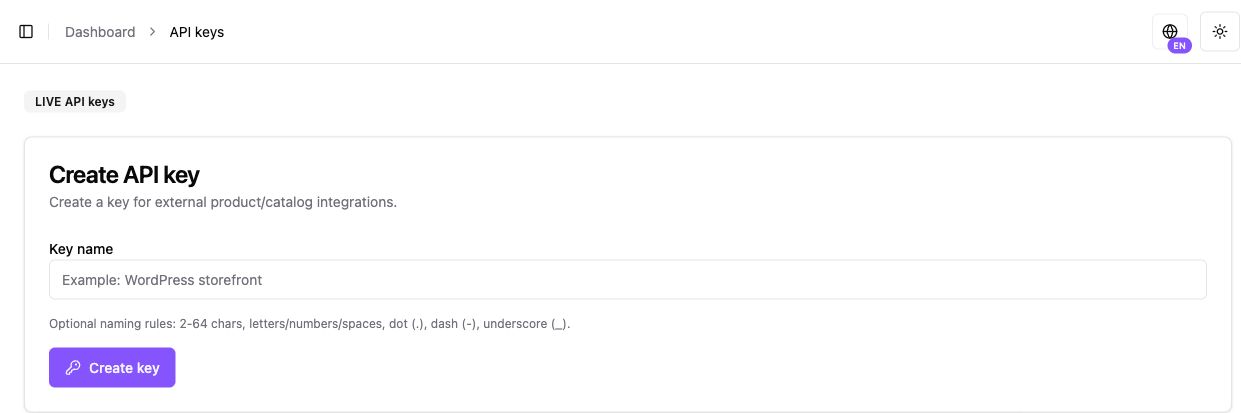
Section titled “API key”Create a key from Settings → API Keys.
- ADMIN or higher access is required;
- the key is scoped to a specific store;
- the full value is shown when created;
- if exposed, revoke it and create a replacement.
Authentication
Section titled “Authentication”Use one supported method:
Authorization: Bearer <api-key>or
x-api-key: <api-key>The base path is /public/catalog.
Create a checkout session
Section titled “Create a checkout session”POST /public/catalog/stores/:storeId/checkout-sessions
The request can include products, language, checkout type, order/customer references, return URLs, and expiration.
Use a stable Idempotency-Key for every logical checkout attempt.
Store sessionId, orderRef, and idempotencyKey. They are useful for confirmation, retries, and support.
Confirm payment
Section titled “Confirm payment”GET /public/catalog/stores/:storeId/payment-confirmations
You can confirm by:
- sessionId;
- orderRef;
- idempotencyKey.
Stripe notifications
Section titled “Stripe notifications”Kordiva processes Stripe notifications for Kordiva payment flows. Your website does not need a separate Stripe webhook simply to confirm a Kordiva checkout.
Basic flow
Section titled “Basic flow”- Your backend reads the catalog — Display Kordiva products on your own website.
- Create a checkout session — Send selected products and a stable idempotency key.
- The customer pays — Checkout runs through the Kordiva/Stripe payment flow.
- Confirm server-side — Verify the actual status before marking the order as paid in your own system.
Business API 0.1.3
Section titled “Business API 0.1.3”SDK 0.1.3 is publicly available on npm. Once backend activation is confirmed, use subscription reads and recurring checkout, Business Merchant events and raw-body HMAC verification. Standard flow is Stripe → Kordiva → merchant; no separate merchant Stripe webhook is needed. Customer identity is the server-bound opaque customerRef, not email or browser query parameters. Business refunds remain separate from Individual MoR requests; no SDK refund mutation is added.