API authentication
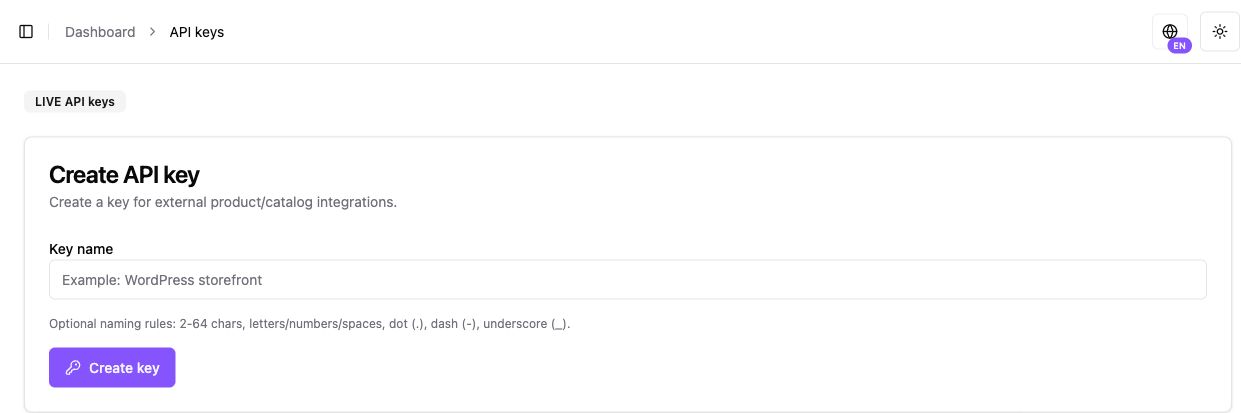
Navigation: Settings → API Keys. API keys are store-scoped secrets. All active paid Business/Sole Trader plans (Basic, Professional and Enterprise) include API and SDK integration. Individual Creator (free), Pro and approved Scale configurations include API subject to their separate approval and environment controls. Preview does not automatically grant LIVE access.
- Select the correct store and environment. ADMIN or higher permission is required to manage keys.
- Create a key only when needed for the integration, and copy its full value into protected server configuration. Do not screenshot the key, its prefix or credential metadata.
- Send either
Authorization: Bearer <api-key>orx-api-key: <api-key>from your backend. - Use the key only for its store and environment. A request header/body claiming TEST cannot change a LIVE key’s identity.
- If exposed, revoke the key and replace the server configuration. Never publish it in browser JavaScript, logs or a repository.
Base path: /public/catalog. Catalog routes include store products/product detail, categories, attributes and shipping methods. Individual model restrictions still apply; a shared route does not grant physical-shipping permission.
For authentication errors, check key revocation, store scope, permissions, plan and environment without logging the secret. No public merchant webhook-registration endpoint or public Checkout Link CRUD is established by this guide.